SkyEmuYour handheld games, together.
Play your Game Boy, Game Boy Color, GBA and DS library on Android. Touch controls, save states and rewind, all in one app.
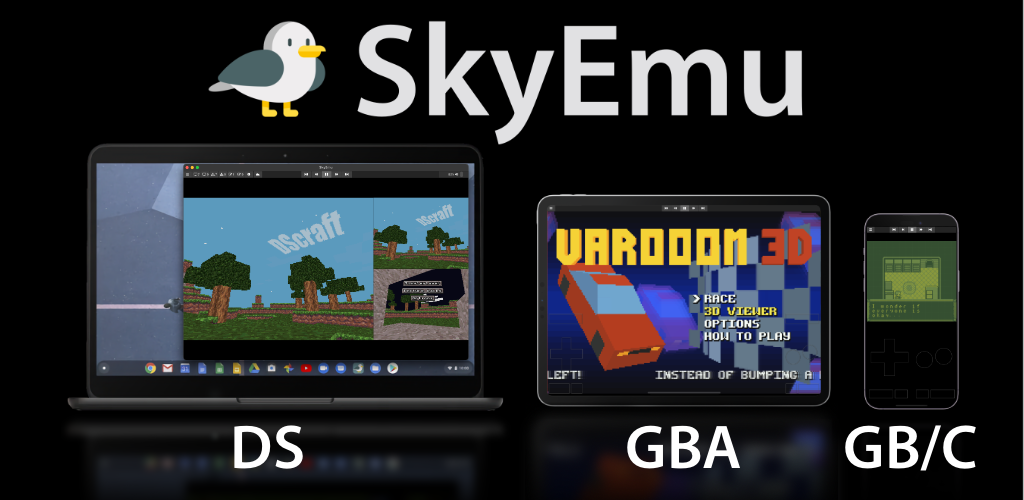
Less setup. More play.
Load a game, keep your progress and adjust the controls. Here’s where to find the essentials.
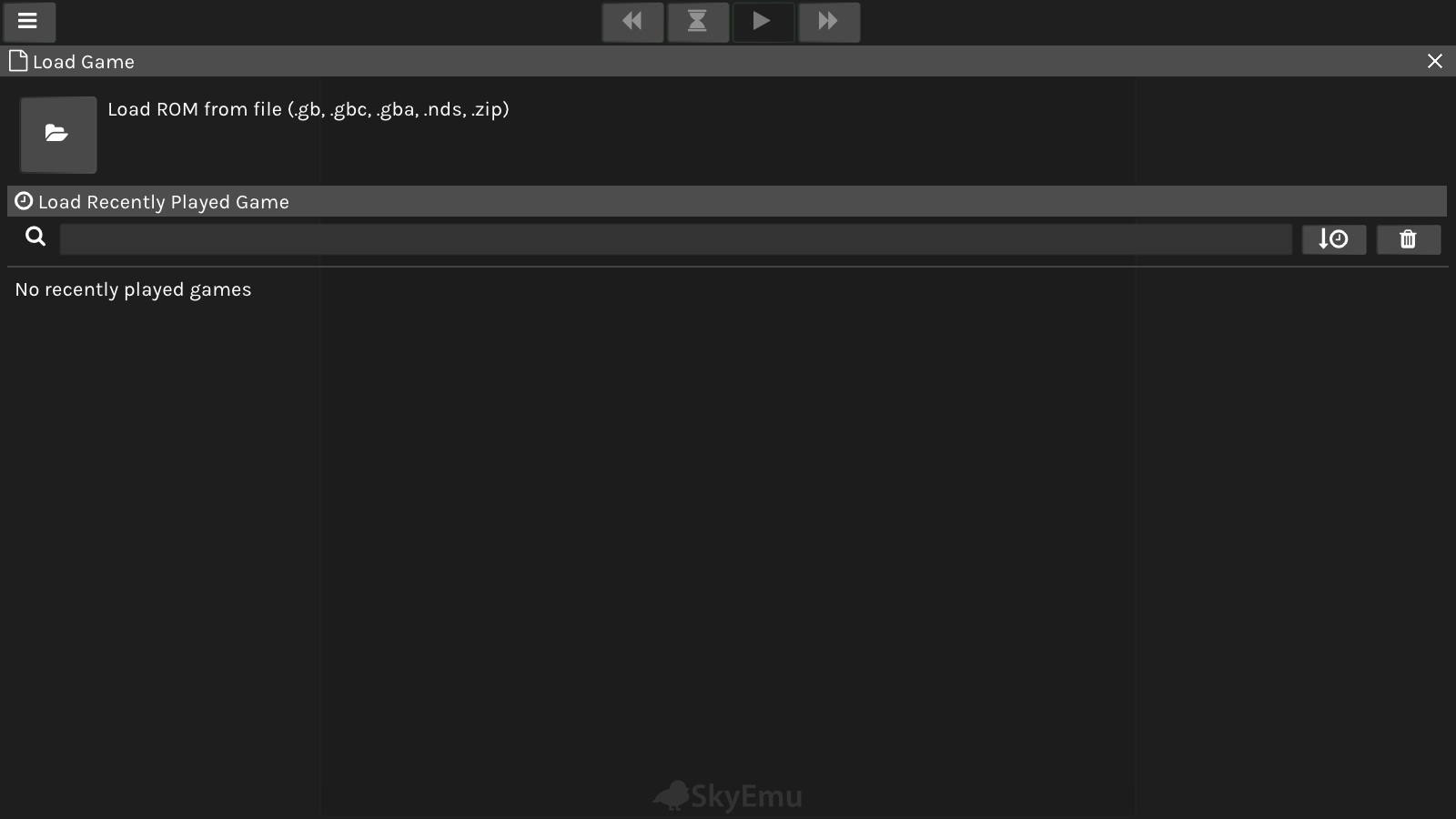
Open your own game files
Select a ROM from your device. The recently played list gives you a way back to games you’ve already opened.
SkyEmu is an emulator. You supply the game files; no commercial games are included here.
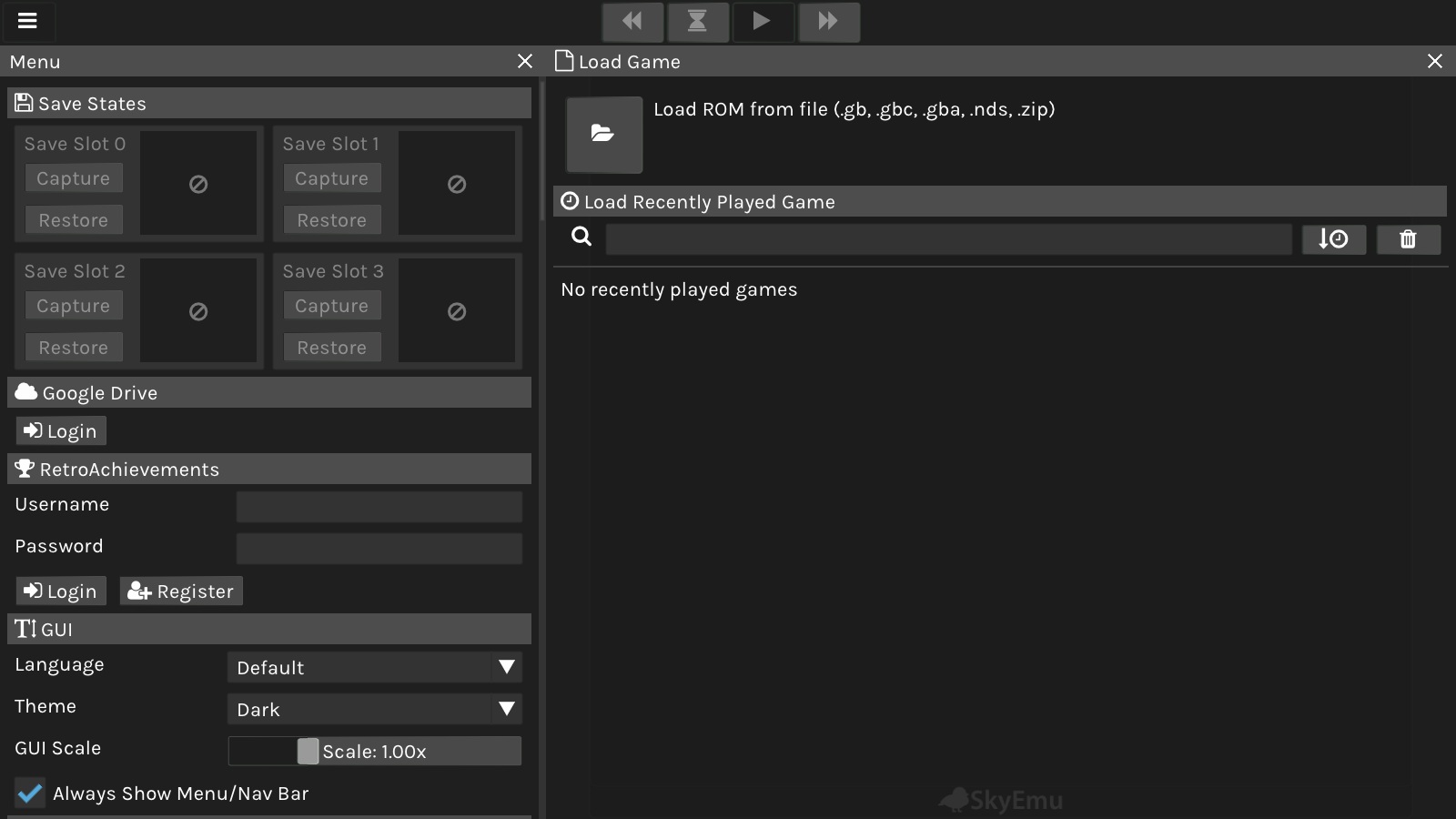
Pick up where you paused
Four persistent save state slots let you keep a snapshot of your progress. Fast-forward moves through slow moments; rewind lets you revisit a recent one.
Keep using your game’s normal save function too. A save state is an extra checkpoint.
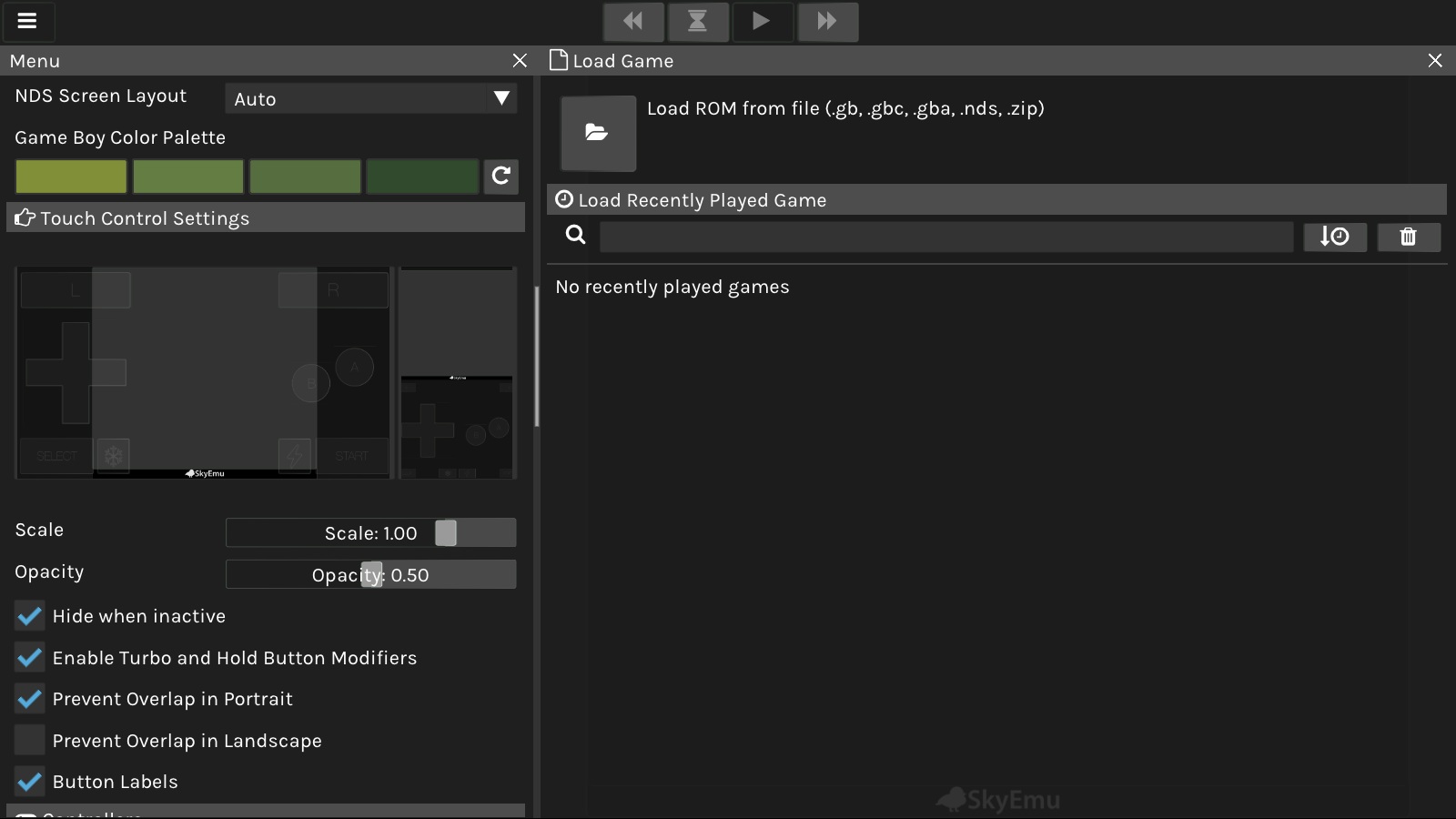
Find a comfortable setup
Adjust the size and opacity of the onscreen controls. Display settings offer color correction, screen shaders and DS layout choices.
Start with the defaults, then change what helps you see and play more comfortably.
Find your kind of emulator.
SkyEmu vs mGBA: two ways to play the Game Boy family. Compare the everyday features, strengths and tradeoffs before you choose.
| What matters to you | SkyEmu | mGBA |
|---|---|---|
| Supported systems | Game Boy, Game Boy Color, GBA and Nintendo DS. DS support is Beta. | Game Boy, Game Boy Color and GBA. Nintendo DS is outside its supported systems. |
| Playing on Android | Native Android builds and onscreen touch controls. | No standalone Android build listed in official downloads. Android users typically need a frontend for its libretro core. |
| Playing in a browser | A web app is available. Emulation runs locally on your device. | Official downloads focus on native applications and emulator cores rather than a browser app. |
| Saving and time controls | Four save state slots with previews, plus fast-forward and rewind. | Nine save state slots, plus fast-forward and configurable rewind. |
| The look of the screen | Upscaling shaders, color correction, screen ghosting and DS layout options. | Shader support with suitable graphics support, alongside screenshot and recording features. |
| Link cable play | Local link cable play is not advertised in the project’s feature list. | Local link cable support on the same computer. Networked link play is listed as planned. |
| Accuracy and limitations | GBA accuracy is a project focus. Its README describes GB/GBC as less accurate than its GBA emulation, and DS as Beta. | Accuracy and performance are project goals. Compatibility still depends on the game and build. |
| Desktop and other devices | Windows, macOS, Linux, FreeBSD, iOS, Android and web builds. | Desktop builds plus supported console ports, including Switch, 3DS, Wii and PS Vita. |
Choose SkyEmu for…
A direct Android app, a browser option, or one interface for your Game Boy family and DS library. The tradeoff is that DS support remains Beta.
Choose mGBA for…
Desktop Game Boy and GBA play, same-computer link cable sessions, or recording tools. The tradeoff on Android is the extra frontend setup, and it won’t cover DS games.
Your first game starts here.
You need the Android app and a compatible game file to get started.
Get Android APK- Install the APK
Download the Android package and open it on your device. If Android asks, allow installation for the browser or file manager you used.
- Load a game
Open SkyEmu, choose Load Game and select your .gb, .gbc, .gba, .nds or .zip file.
- Settle into the controls
Try the touch controls, adjust their scale if needed and create a save state once you’ve started playing.
Bring your own game files. This site does not distribute ROMs or original console BIOS files.
Before you download
Does it include games?
No. You need your own compatible ROM files. The download is the emulator application.
Can it play DS games?
SkyEmu supports Nintendo DS, but the project labels its DS emulation Beta. Expect some games to have graphics, audio or compatibility issues.
Do I need a BIOS?
SkyEmu provides open source replacement BIOS and firmware stubs, so original files are not required to start. The project recommends your own original dumps for more accurate behavior.
Is it faster than mGBA?
There is no universal answer. Speed depends on your device, game, settings and emulator build. This comparison covers documented features and does not claim a performance winner.
Is there a web version?
The project also offers a browser edition. It runs emulation on your device; browser overhead can affect performance compared with a native app.
Ready to open your library?
SkyEmu for Android · Version 3.2