Before you begin
Prepare an Android device running Android 7.0 or later, the downloaded SkyEmu APK and a compatible game file you are entitled to use. Keep the files in a folder you can find with your browser or file manager. SkyEmu does not include games.
Install the APK
- Open the download page and download the Android APK.
- Open the downloaded file from your browser or file manager.
- If Android blocks installation, check the prompt for the app opening the file. You may need to enable Allow from this source for that browser or file manager. The wording and location depend on your device.
- Return to the APK and follow Android’s installation prompts. You can switch the source permission off again afterward.
- Launch SkyEmu and choose Load Game to select your own game file.
If you are updating an existing installation, back up your saves first. Avoid uninstalling the app or clearing its data simply to bypass an update error. An APK signed with a different key may not update the existing app.
Open your first game
The supplied loader accepts .gb, .gbc, .gba, .nds and .zip. A file appearing in the picker does not guarantee game compatibility. Nintendo DS support is Beta.
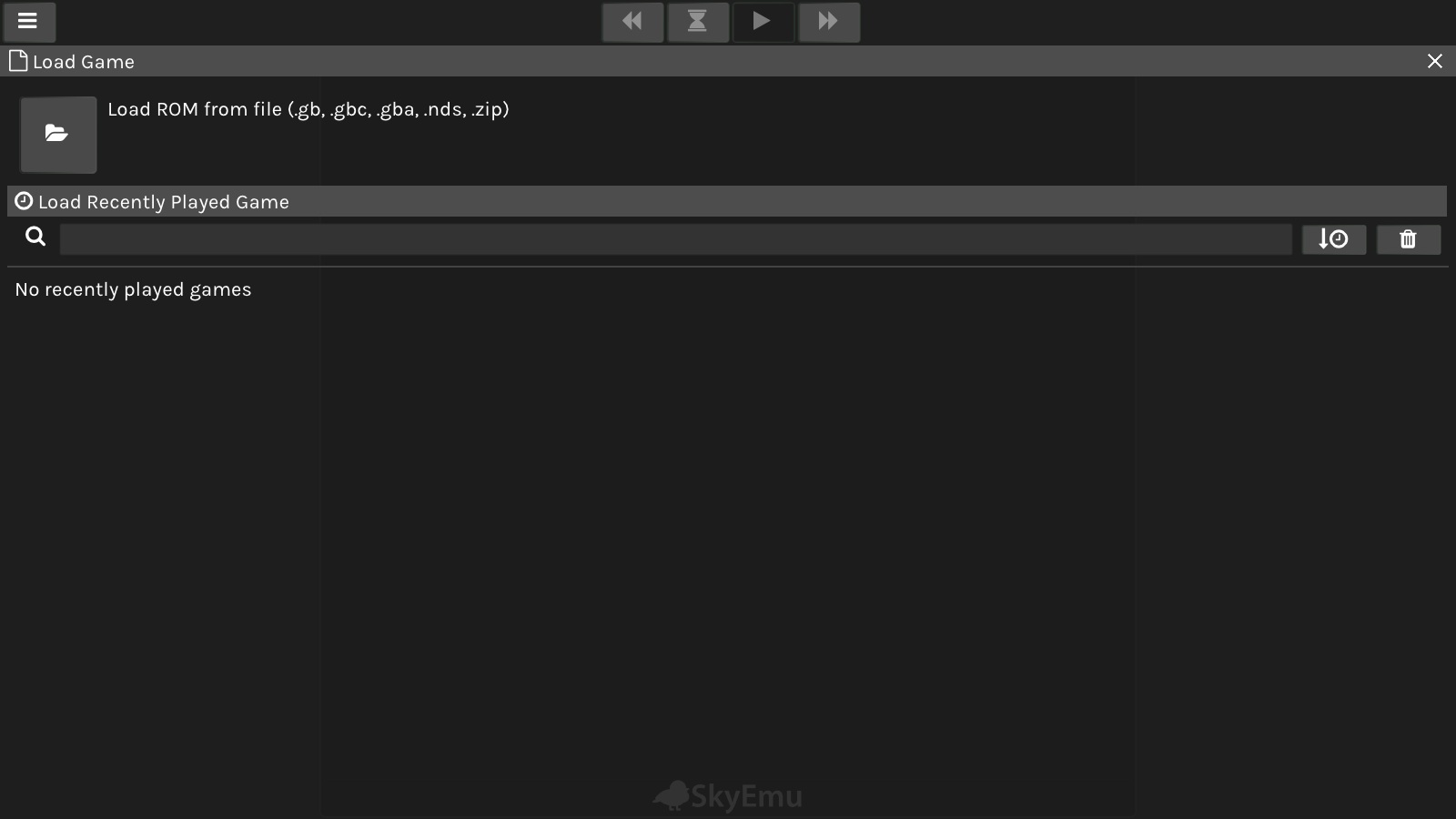
Start with a Game Boy, Game Boy Color or GBA game for a straightforward first session. Check the touch controls and make an in-game save before closing the app.
Follow the first-game guide or learn about save backups.
If installation fails
- Incomplete download: check that the APK finished downloading. Download it again if the file is incomplete.
- Installation permission: check the permission for the specific browser or file manager opening the file.
- Unsupported device: check your Android version and the device’s compatibility with the package.
- Update conflict: keep a backup of your saves before considering removal of an existing installation. A different signing key can prevent an update.
Different installation errors need different fixes. Read Android’s error message before making changes, and avoid deleting app data while investigating.