Prepare the app and your game
Install SkyEmu using the download page. Place a game file you are entitled to use in a folder you can find with Android’s file picker. Games are not included with the app.
The loader accepts .gb, .gbc, .gba, .nds and .zip. A ZIP must contain a compatible game; renaming an unsupported file does not make it playable. For a straightforward first session, start with a Game Boy, Game Boy Color or GBA game. Nintendo DS emulation is Beta.
Load and check the game
- Open SkyEmu and choose Load Game.
- Select the folder button beside Load ROM from file.
- Find and select the game in the device’s file picker.
- Check that the usual startup screen appears.
- Try the touch controls or your configured controller.
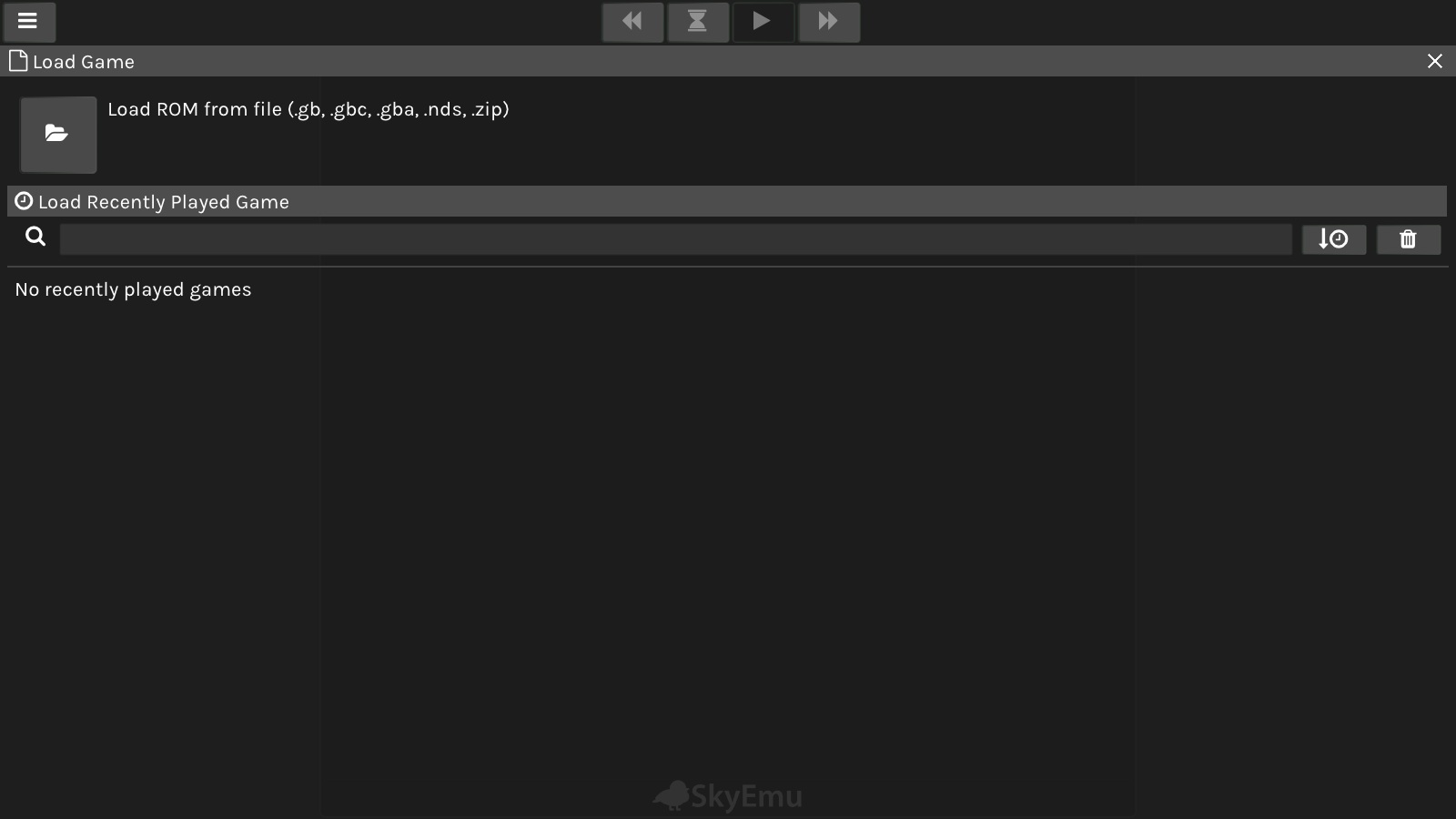
Once a game has been opened, the recently played list provides a convenient way back to it.
Make the controls comfortable
Try the defaults before changing settings. If touch buttons obscure the picture, adjust their scale and opacity. If you use a gamepad, check its bindings before assuming every button works as expected.
Save before closing
Use the game’s own save function when available. You can also capture a save state for a convenient checkpoint, but it should not be your only copy of important progress.
Learn about saves and BIOS before moving your library or changing versions.
If the game does not start
Check the file extension and that you selected the intended game. If it is archived, verify that the ZIP contains a supported ROM. Try another compatible game to narrow down the problem. DS compatibility can vary because support is Beta.
Read the FAQ for compatibility notes. Avoid changing several unfamiliar settings at once.