Install the app
Start on the download page. Download and open the APK on your Android device, then follow Android’s installation prompts.
For the complete workflow, use the first-game guide. For file naming and backups, read saves and BIOS. For picture and input settings, see display and controls.
Load your game
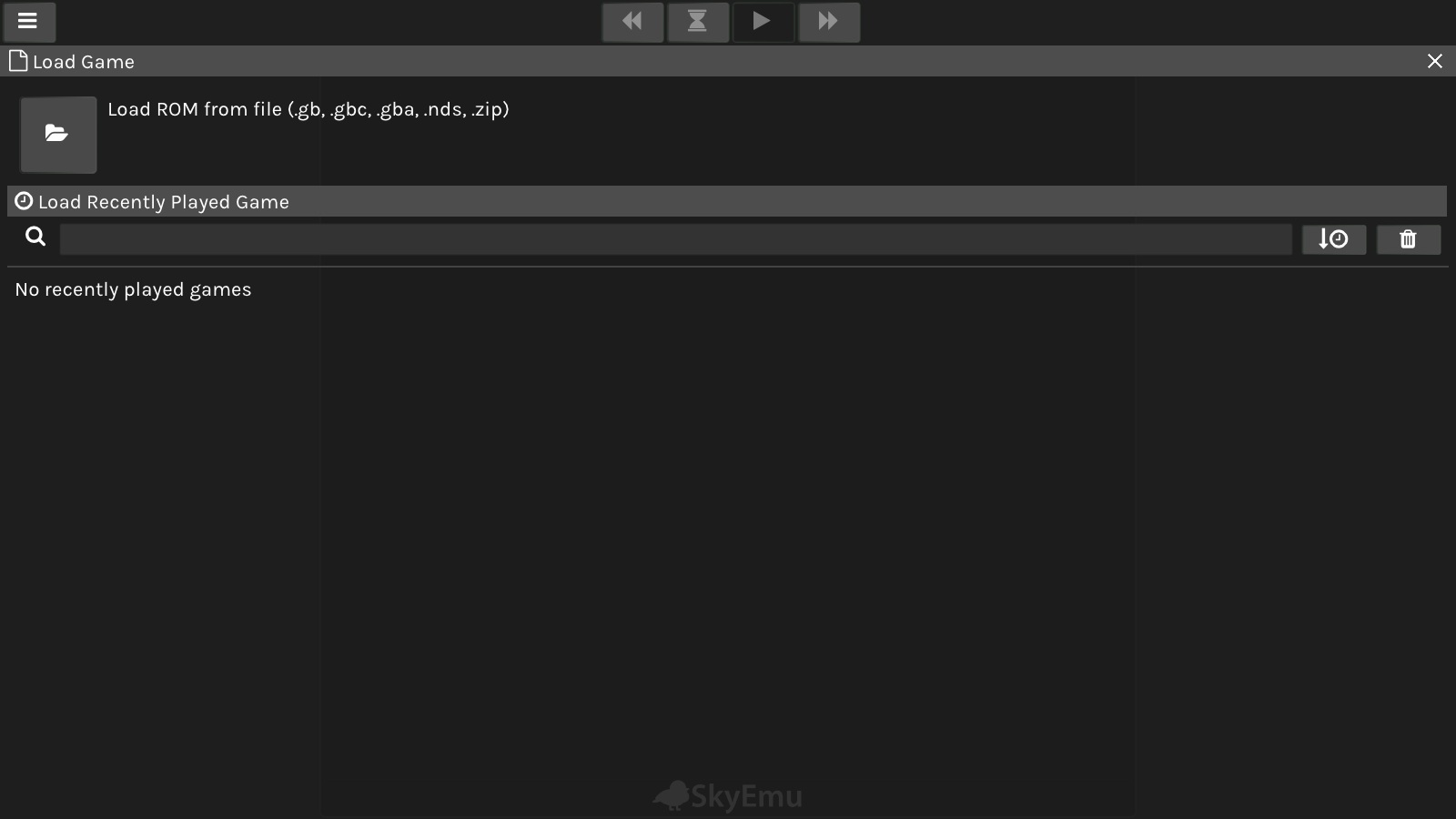
Open SkyEmu and choose Load Game. Select your own .gb, .gbc, .gba, .nds or .zip file. The recently played list provides a way back to files you have already opened.
Nintendo DS support is Beta, so some games may have compatibility, graphics or sound issues.
Save your place
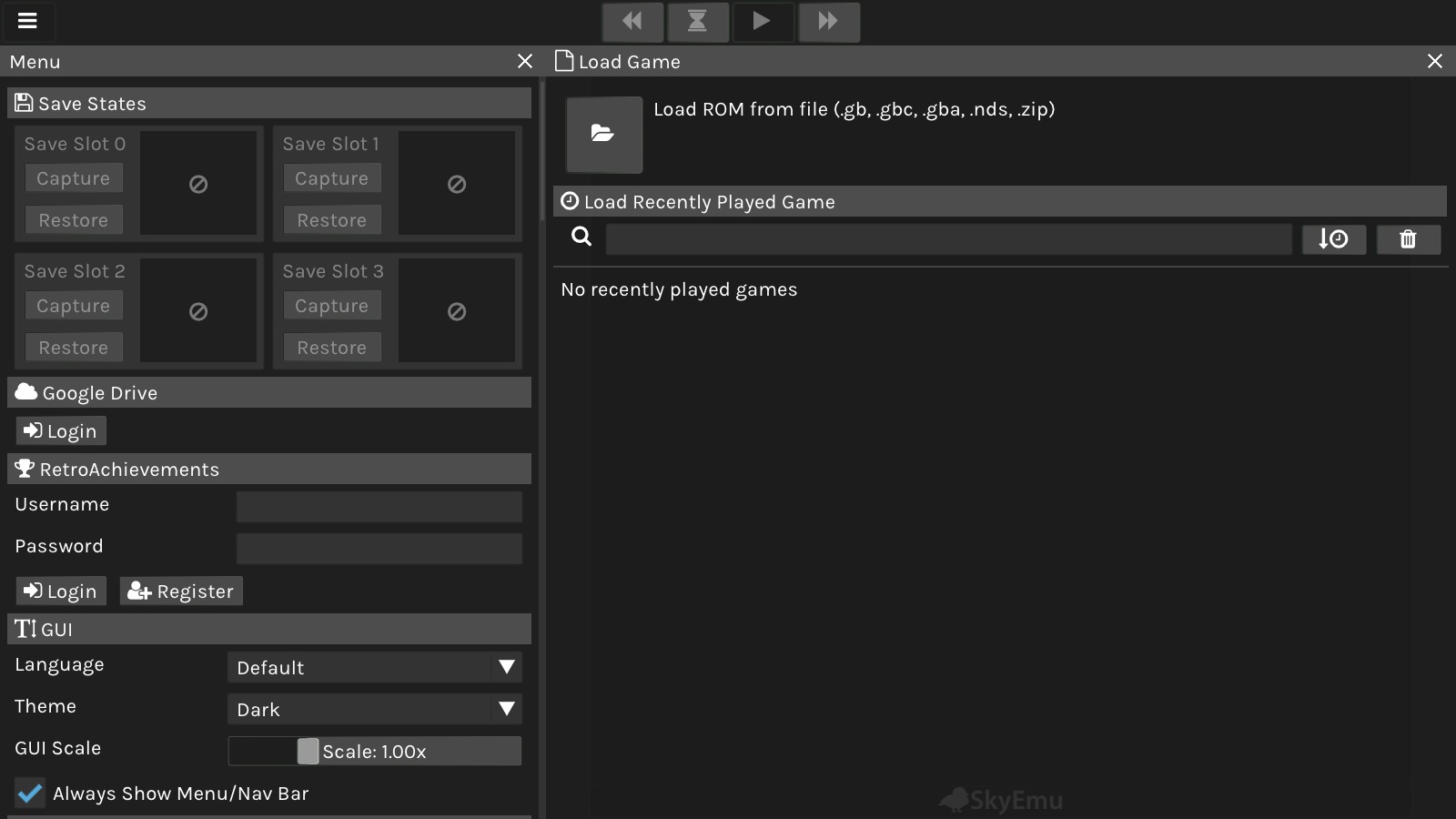
Open the menu, choose a save state slot and use Capture to keep a snapshot. Restore returns to that snapshot. The supplied interface shows four persistent slots. Keep using your game’s normal save function too.
Adjust the controls
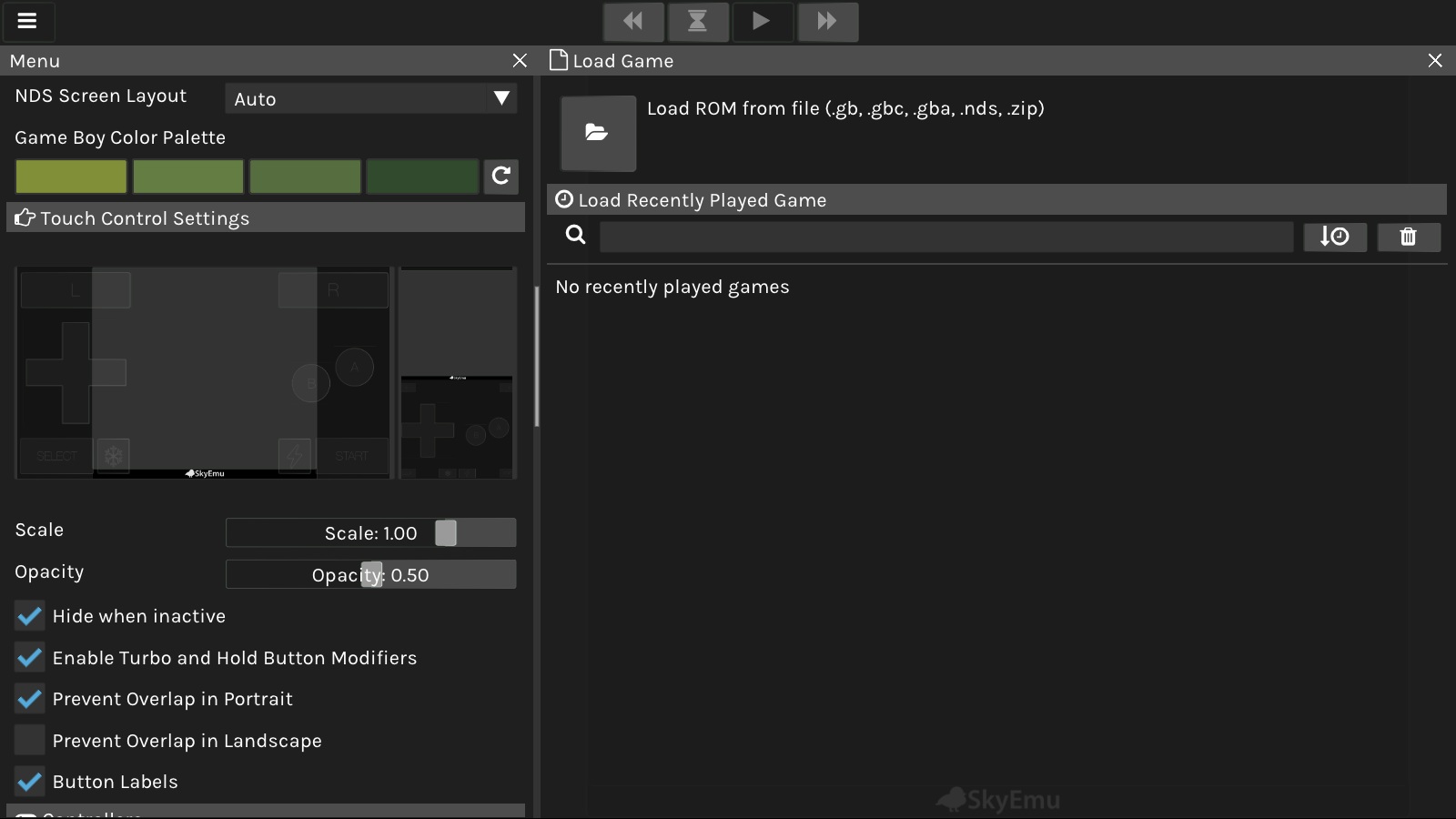
Try the default touch controls first. In Touch Control Settings, adjust their size and opacity if they obscure the game or feel uncomfortable. Display settings offer shaders, color correction and DS layout options.
Rewind and fast-forward
Use rewind to revisit a recent moment, or fast-forward to move through slower parts of a game. The result depends on your device, settings and build.